It is easy to see why this question comes up. Smart TVs already have apps, programme guides and internet features, so it feels logical to assume Freesat might simply be another app you download.
The short answer is that a smart TV can give you plenty of internet based viewing without a dish, but proper Freesat reception still needs a satellite signal. If you want the Freesat channel guide through a compatible TV or Freesat box, a correctly installed satellite dish is normally part of the setup.
The quick answer
No, you usually cannot get full Freesat on a smart TV without a satellite dish. Freesat is a satellite TV platform, which means the live channels are received from a dish, then decoded by either a Freesat box or a TV with a suitable Freesat tuner built in.
A smart TV on its own is mainly smart because it connects to the internet. That lets you use streaming and catch up apps, but it does not turn the TV into a satellite receiver unless the right tuner and satellite feed are also present.
So the key distinction is simple. Internet apps use broadband. Freesat live TV uses a satellite dish. Some viewing overlaps, because many broadcasters offer their own apps, but the way the service reaches your screen is different.
If you are planning a new setup, TV Local can help with Freesat installation and setup, including checking whether your TV can receive Freesat directly or whether a separate box would be a better fit.
Why a smart TV app is not the same as Freesat
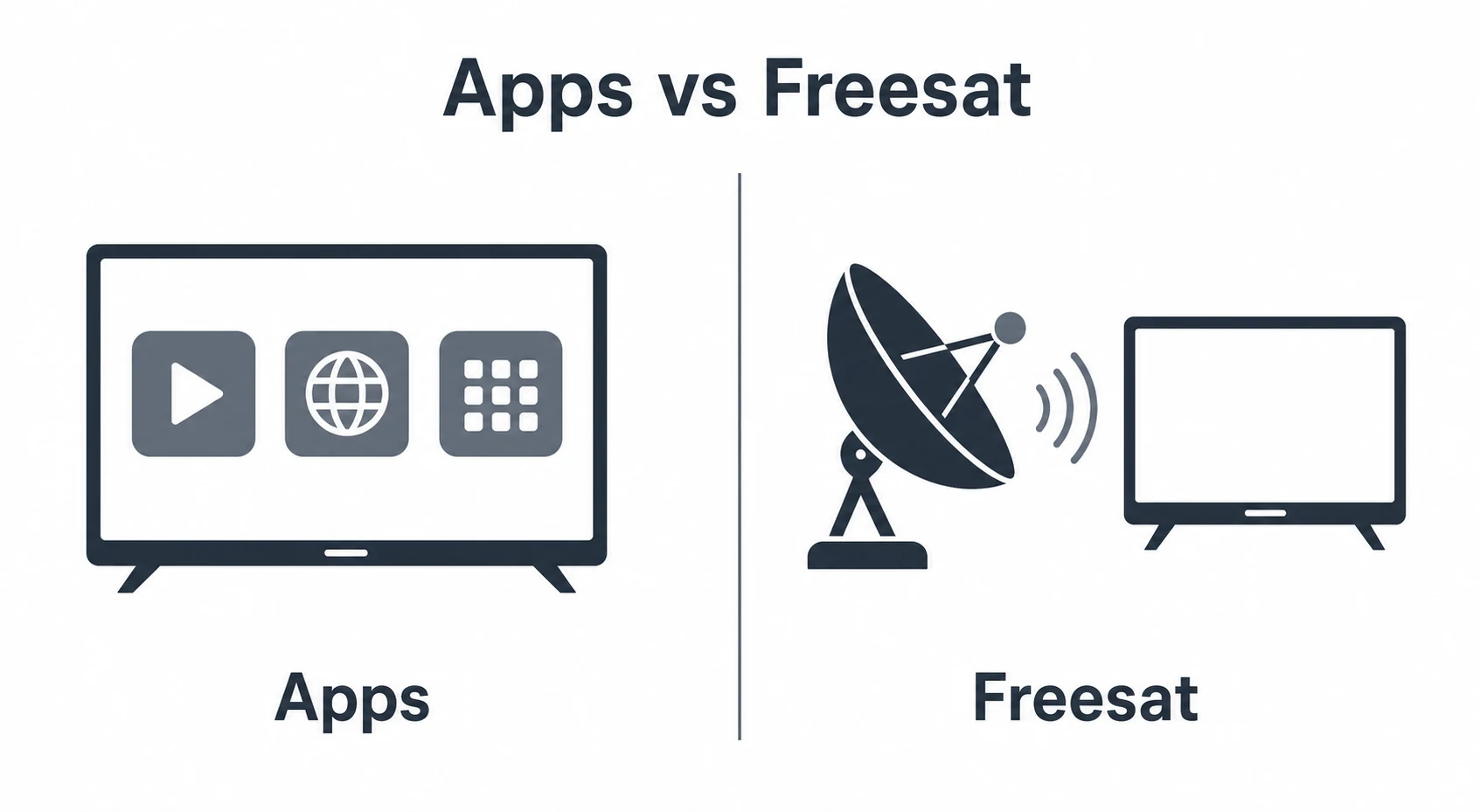
A smart TV gives you access to apps such as broadcaster players and streaming services. These are delivered through your broadband connection and each app has its own layout, account requirements and content availability.
Freesat is different. It provides a live TV channel guide, channel numbers and satellite delivered broadcasts. The experience is closer to traditional TV, with channels available through one guide rather than opening separate apps for each broadcaster.
This is where the confusion starts. A viewer may be able to watch some of the same programmes through a smart TV app, but that does not mean the TV is receiving Freesat. It is simply streaming content over the internet.
For many homes, streaming apps are useful alongside Freesat. They can add catch up viewing, box sets and extra features. However, they should not be treated as a direct replacement if you want the familiar Freesat guide, satellite reception and a broad live channel lineup through one system.
It also matters if your broadband is unreliable, busy at peak times or shared by several people. Freesat live channels come through the dish, so everyday viewing is not dependent on the same internet connection used for phones, laptops and streaming apps.
When a smart TV can receive Freesat
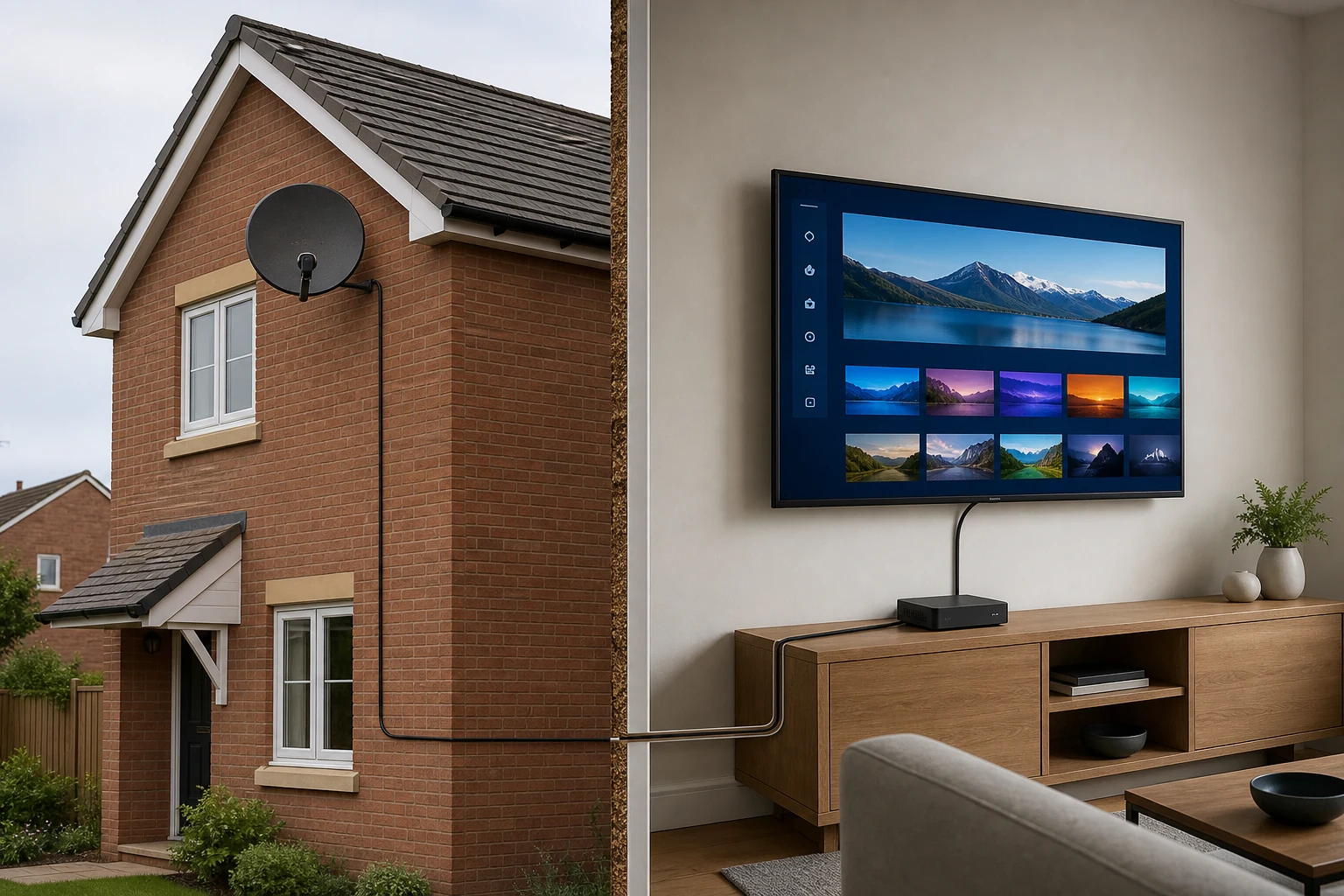
Some smart TVs have a satellite tuner built in, and some specifically support Freesat. If yours does, the TV may be able to receive Freesat without a separate set top box. That still does not remove the need for a satellite dish and cable feed.
To receive Freesat through the TV itself, you generally need three things:
- A TV with a compatible satellite tuner and Freesat support.
- A working satellite dish aligned correctly.
- A suitable cable from the dish to the satellite input on the TV.
If any one of those is missing, the setup may not work as expected. A TV may have streaming apps but no satellite tuner. Another may have a satellite input but not offer the full Freesat experience. A dish may already be on the property but be misaligned, damaged or connected to the wrong room.
This is why checking the model and the existing cabling is worthwhile before buying extra equipment. Sometimes the neatest answer is to use the TV tuner. In other cases, a dedicated Freesat box gives a clearer route, especially where recording or a more familiar guide matters.
If you already have a dish but reception is patchy, the problem may be alignment rather than the TV. The guide on signs your satellite dish is misaligned explains the common symptoms to look out for.
What you can watch without a dish
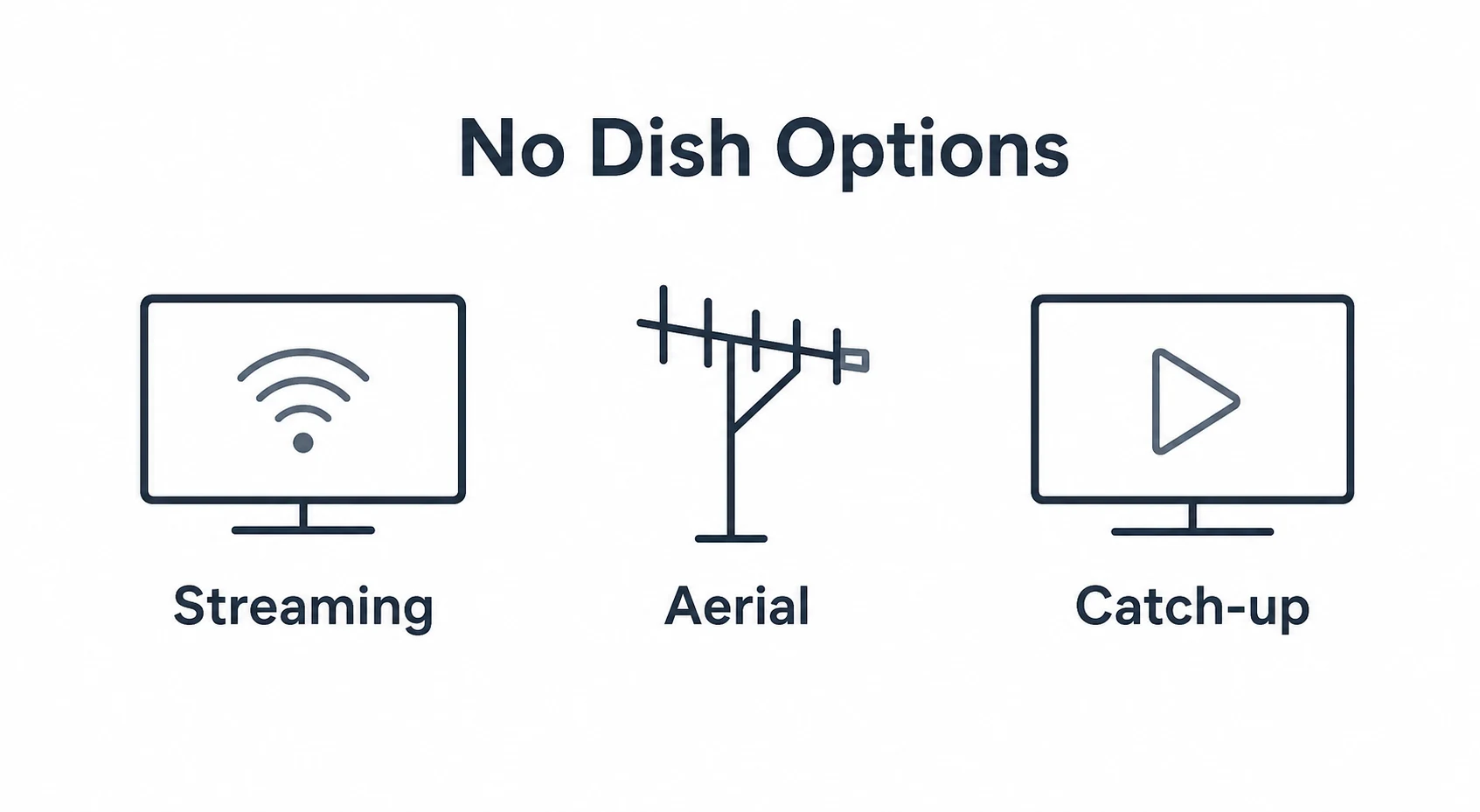
Without a dish, a smart TV can still be very useful. You can use internet apps, paid streaming services and broadcaster players, depending on your TV model and your internet connection. Some TVs also support live streaming channels through their own menus.
That can be enough for some viewers, especially if they mainly watch on demand programmes and do not mind moving between different apps. It is not the same as having Freesat, but it can still cover a lot of everyday viewing.
The trade off is convenience and consistency. With app based viewing, each service behaves differently. Availability can vary, sign ins may be required, and live channels may not be presented in the same way as a satellite TV guide.
There is also a difference between having a smart TV and having an aerial or satellite connection. A smart TV does not automatically receive broadcast channels just because it is connected to the internet. If you are comparing your options, TV Local also has a helpful guide on whether smart TVs still need an aerial, which covers the related Freeview question.
For the clearest decision, think about how you actually watch TV. If you want live channels in one guide, Freesat is usually the stronger fit. If you mainly open individual apps, a dish may be less important for that particular style of viewing.
Why professional setup makes a difference
Freesat is straightforward when the dish, cable and receiver are all right. The problems tend to appear when one part of the chain is assumed to be working but has not been checked.
A professional installer can confirm whether there is an existing usable dish, whether it is aligned correctly, whether the cabling is suitable and whether the TV or box is configured properly. That saves guesswork and helps avoid buying equipment that does not solve the real issue.
Good setup also matters for picture reliability. Satellite reception depends on a clear signal path, correct dish positioning and sound connections. If a dish has moved slightly, if a cable has weathered, or if the wrong input is being used, the TV may show missing channels, weak signal messages or intermittent breakup.
There are also practical benefits inside the home. A tidy installation can route cables cleanly, place the receiver where it is easy to use and make sure the remote, guide and channel scan are working before the job is complete.
If you are tempted to fit or adjust equipment yourself, it is worth reading about common mistakes to avoid during DIY aerial installations. The same principle applies to satellite work: correct positioning and safe access matter.
- A smart TV app does not replace full Freesat reception.
- Freesat live TV normally needs a correctly installed satellite dish.
- A compatible smart TV may receive Freesat without a separate box, but it still needs a satellite feed.
- Without a dish, you can still use streaming and catch up apps, but that is not the same as Freesat.
- Checking the TV model, dish condition and cabling first helps avoid wasted time and unsuitable equipment.
Frequently asked questions
Can I download Freesat onto my smart TV?
Not in the same way you download a normal streaming app. Freesat live TV needs compatible receiving equipment and a satellite signal. Some smart TVs support Freesat directly, but they still need a dish connection.
Can I use an old satellite dish for Freesat?
Often, yes, provided the dish is suitable, correctly aligned and connected with the right cabling. An installer can check whether the existing dish can be reused or whether any adjustment is needed.
Do I need a Freesat box if my TV has Freesat built in?
Not always. If the TV has proper Freesat support and a working satellite feed, you may be able to use the TV directly. A separate box can still be useful if you want features your TV does not provide.
Is Freesat better than using smart TV apps?
They do different jobs. Freesat is better if you want live satellite channels in one guide. Smart TV apps are useful for catch up and on demand viewing. Many households use both together.
Need help choosing the right setup?
If you are unsure whether your smart TV, dish or cabling is ready for Freesat, TV Local can check the setup and recommend the simplest way to get everything working properly.